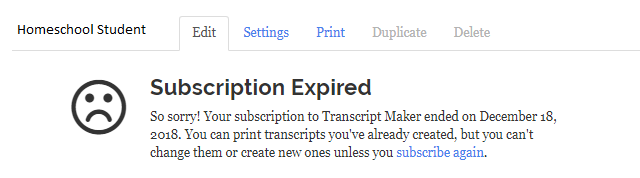
If you logged in to your account and saw a notice that your subscription is expired, here is how to renew your subscription.
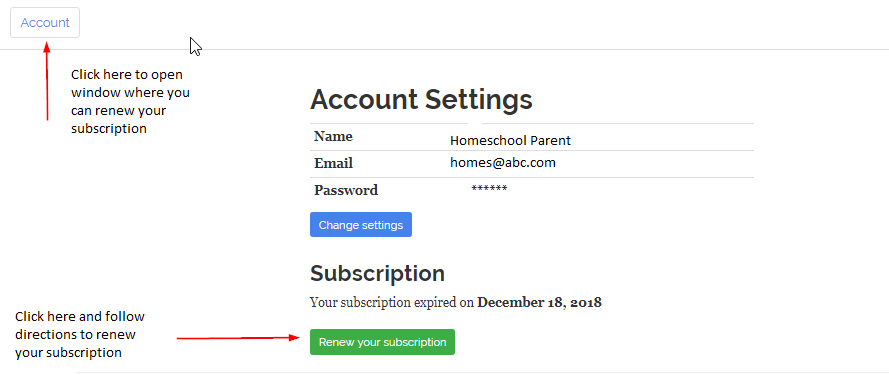
Once you are logged in, click on Account at the top of the page, then scroll down and click on Renew Your Subscription and follow the instructions to input your payment information and renew your subscription.